Security
The invoice comes from your supplier, in the same thread as last month, with the same signature. One line has changed. Nobody broke into a bank: somebody read a mailbox for a month first. How it works, and the controls that stop it.
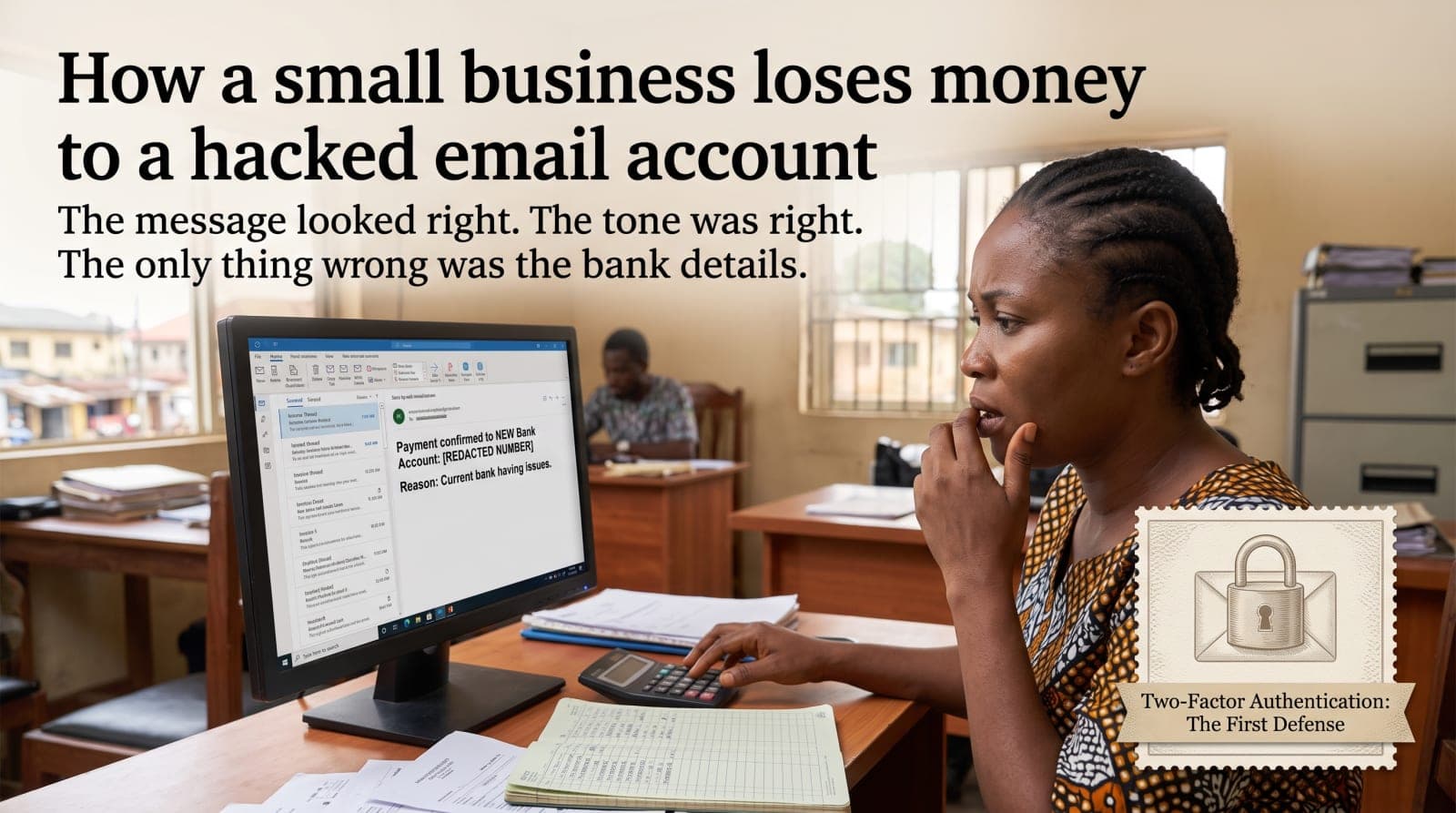
The invoice looks right. It comes from the supplier you have used for two years, inside the same email thread as last month's, with the same signature block and the same reference format. One line has changed: the account number, with a short note saying the old bank is giving them trouble. The payment goes out. Five weeks later the supplier asks why they have not been paid.
Nobody broke into a bank. Somebody read email for a month, and then sent one message at the right time.
How the mailbox is taken
A password used somewhere else. A shopping site or a forum is breached, the list of addresses and passwords is published, and trying those pairs against major email providers is automatic and free.
A sign-in page that was not the sign-in page. A message about a delivery, a shared document or a mailbox that is nearly full, leading to a page that looks exactly right and records what is typed into it.
No second factor, so the password was the only thing between a stranger and two years of correspondence.
None of that requires skill or a target. It is run at scale against everybody, and a small business in Ogun State is caught by the same net as a company in Manchester. What follows is the part that is done by hand, because it is worth the time.
What happens next is patience
The valuable thing about a compromised mailbox is not the ability to send from it. It is the ability to read it. So nothing happens at first. A rule is created quietly, moving anything containing the word invoice or payment into a folder nobody looks at, or forwarding a copy out of the business. Then the reading starts: who the suppliers are, what the payment terms are, what the amounts look like, how the accounts clerk writes, and which week of the month the transfers go out.
The message, when it comes, is written into a real thread by somebody who has read the previous twenty. That is why this works on careful people. There is nothing to notice. The tone is right, the reference is right, the timing is right, and the only wrong thing is ten digits that nobody had a reason to compare.
The controls that stop it
In order, because the first one does most of the work.
Two-factor authentication on email, before anything else. Email is the account that resets every other account, so it is protected first, ahead of the bank. Use an authenticator app or a hardware key rather than SMS, since a phone number can be moved to a new SIM by somebody who is patient at a shop counter.
A different password everywhere, which in practice means a password manager the whole team uses. The point is not strength. The point is that a breach somewhere else stops being your problem.
One rule about bank details, applied to everybody. Any change to an account number is confirmed by ringing the number you already have on file, not a number in the message. Write it down. It applies to the owner as well, and it is worth more than any software on this list.
A second pair of eyes above a figure you choose. The figure matters less than the fact that one person cannot move money on the strength of one email.
Read the address, not the display name. A lookalike domain with one letter changed passes at a glance every time, and the display name is whatever the sender typed.
The ten minute check on a mailbox
Do this today on the owner's mailbox and on whichever mailbox receives invoices. Four things, in the settings.
Rules and filters. Anything forwarding mail outside the business, or moving messages into a folder based on a word like invoice, payment or transfer.
Recent sign-in activity. Places, devices and times that make no sense for your staff.
Connected applications and app passwords, which are the usual way access survives a password change.
The recovery phone number and recovery email address on the account. If either has been altered, the account is not yours yet even if you can sign in.
If it has already happened
Change the password, then sign every session out. In that order, or the open sessions carry on.
Delete the rules that were created, then check the list again the following day.
Tell the bank immediately. Recovering a transfer is measured in hours, and by the second day it is usually gone.
Warn everybody who was in the affected threads, from a different account, and by phone where money was involved. Their mailbox may be the next one read.
Keep the evidence. The message headers, the rules, the sign-in log. Do not delete the mailbox to feel clean, because that is the only record of what was taken.
The businesses this happens to are not careless. They are busy, and the message arrived on the day the payment was due.
An access review is the first thing we do on an IT consulting engagement, before anything is bought or replaced, because the findings are usually free to fix and they are where the real risk sits for a business of this size. If you would rather have somebody run it with you and put the results in writing, tell us what you use.
Filed under
Get the next one by email
What we have built, what we learned building it, and news from the Event Space. A few times a month, and one click to stop.